
Multiple eSIMs in Indonesia (Complete Guide)

As eSIM technology becomes more common in Southeast Asia, many travelers and residents are asking: Can I use multiple eSIMs in Indonesia?
Yes — you can. Most modern smartphones now support multiple eSIM profiles, which means you can switch between different data plans and mobile networks without needing extra SIM cards.
In this practical guide, you’ll understand how it works, why it’s useful, and how to manage several eSIMs smoothly while you’re in Indonesia.
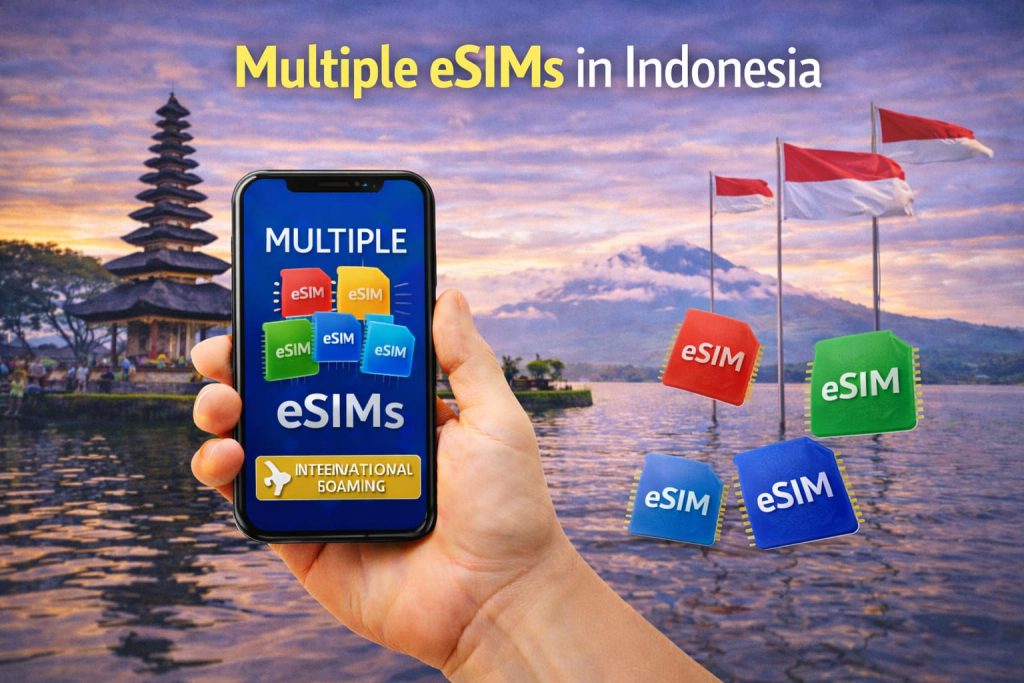
Table of Contents
I. A Quick Recap: What Is an eSIM?
An eSIM (embedded SIM) is a digital version of the physical SIM card that’s already built into your smartphone. Instead of purchasing a plastic SIM, you simply scan a QR code to activate a mobile plan.
This makes eSIM perfect for travelers, locals, and digital nomads who want instant data access without paperwork or store visits.
If you’re traveling to Indonesia, you can easily explore local and regional data eSIM plans at [https://indonesiaesim.com/] before your trip.
II. Can You Have Multiple eSIMs in Indonesia?
Yes, you can have multiple eSIMs installed on one device, even within the same country.
Here’s what that means:
- You can store several eSIM profiles from different Indonesian carriers (like Telkomsel, Indosat, Smartfren, or XL).
- Depending on your phone, one or two profiles can be active at the same time.
Examples:
- iPhone 13–16 series: up to 8 stored eSIMs, 2 active at once.
- Samsung Galaxy S23/S24: several can be saved, 2 active possible.
- Google Pixel 7–9: supports multiple stored profiles, one active data plan.
This gives you the freedom to switch between networks with a few taps — ideal for travelers moving across islands or areas with different coverage.
III. Why Use Multiple eSIMs in Indonesia
Indonesia is a large archipelago — over 17,000 islands — and mobile coverage may vary by region. Using multiple eSIMs can offer clear advantages:
- Better Coverage Anywhere Some carriers perform better in different provinces. For instance, Telkomsel is strong in Sumatra and Java, while XL and Indosat may have better urban coverage.
- Separate Work and Personal Data You can keep one eSIM for business use and another for personal communication, all in the same phone.
- Budget Control Different providers offer competitive packages. Switching lets you choose the best data deal for the region you’re in.
- Network Backup When one connection is weak, simply activate your second eSIM to stay online.
IV. How to Manage Multiple eSIMs Easily
Managing several eSIMs might sound complicated, but modern phones make it simple:
- Open Settings → Mobile Data (or Cellular Plans).
- View your stored eSIMs (each will have its own name and icon).
- You can turn one off and another on anytime.
- Rename each one (like “Work”, “Travel”, or “Backup”) for clarity.
Only the eSIMs you activate will use data, battery, and roaming. The others remain stored for future use.
V. Pros and Cons of Using Multiple eSIMs in Indonesia
Advantages:
- Seamless switching between local networks.
- No physical SIM swaps or extra cards.
- Keep all communication in one phone.
- Saves money through flexible data options.
Limitations:
- Only newer phones support multiple active eSIMs.
- Some local carriers may have ID or verification requirements.
- Too many stored eSIMs can cause confusion if not labeled properly.
Overall, it’s an efficient solution for those who travel within Indonesia or stay long-term across cities like Jakarta, Bali, Surabaya, or Medan.
VI. Which Providers Offer eSIM in Indonesia
Most major Indonesian carriers now support eSIM activation for prepaid and postpaid plans:
- Telkomsel – largest national coverage
- Indosat Ooredoo – strong in urban areas
- XL Axiata – good balance of speed and price
- Smartfren – popular for budget-friendly data
You can also choose international and regional eSIM plans that connect automatically on local Indonesian networks — available through trusted providers like [https://indonesiaesim.com/].
VII. Best Situations for Using Multiple eSIMs
Using more than one eSIM in Indonesia makes sense if you:
- Travel between islands with different coverage zones.
- Work remotely and need reliable Internet backup.
- Use one phone for both business and personal purposes.
- Want to test or compare network speeds before committing long-term.
VIII. Practical Tips for Switching Between eSIMs
To make the most of multiple profiles:
- Label each eSIM clearly to avoid confusion.
- Deactivate unused ones to save battery.
- Keep your QR codes or emails safe for reinstallation.
- Install your main eSIM before travel and add others later if needed.
- Use a data-only eSIM for Internet, while keeping your regular number on physical SIM.
These small habits will keep your connectivity organized and efficient.
IX. Common Questions
- Do I need an Indonesian ID to buy an eSIM? For local carrier eSIMs, yes — ID or passport verification may be required. However, travel eSIMs purchased online only need an email address.
- Can I use two eSIMs and one physical SIM at once? On some phones, yes. For example, an iPhone 14 can run two eSIMs or one eSIM plus one physical SIM together.
- Will multiple eSIMs slow down my phone? No, only active ones affect connectivity. Stored eSIMs remain inactive until you turn them on.
If you’re heading to Gili Trawangan or Lombok, chances are you’ll want constant access to WhatsApp, maps, and quick uploads of those beach sunsets. But, island Internet in Indonesia can be hit or miss — and that’s exactly where a good eSIM makes a world of difference. In this 2026 guide, you’ll find out which […]
If you use WhatsApp daily for calls, messages, or client chats — you already know how important stable data is. But what if you want to keep WhatsApp active on a secondary phone, just for communication while abroad? In 2026, the easiest, most cost‑effective way to stay connected is with an eSIM plan — especially […]
So, you’re planning a trip to Bali, Jakarta, or Lombok — but you haven’t arrived yet. You want to stay connected right when you land, without hunting for SIM shops or juggling roaming fees. Good news: in 2026, you can get your Indonesia eSIM entirely online — even if you’re not in the country yet. […]
Whether you’re exploring Bali’s rice terraces, hopping between coworking cafés in Canggu, or navigating the winding streets of Ubud, having strong, consistent Internet is essential. For many travelers and remote workers, the biggest question is: Which eSIM actually delivers stable data for video calls, navigation, and daily connectivity in Bali? Let’s take a detailed look […]
When preparing for an international trip, staying connected to the Internet is one of the most important things to plan. Travelers often face a common question: Should I use portable WiFi or an eSIM for international travel? Both options keep you online, but they work differently. Let’s explore how each one functions, their pros and […]
When traveling abroad, one of the biggest concerns is how to stay connected without paying high roaming charges. Traditional SIM cards often come with extra steps, registration, or unpredictable fees. That’s where eSIM international roaming becomes a game changer — simple, instant, and affordable. In this guide, we’ll explain how it works, why travelers love […]